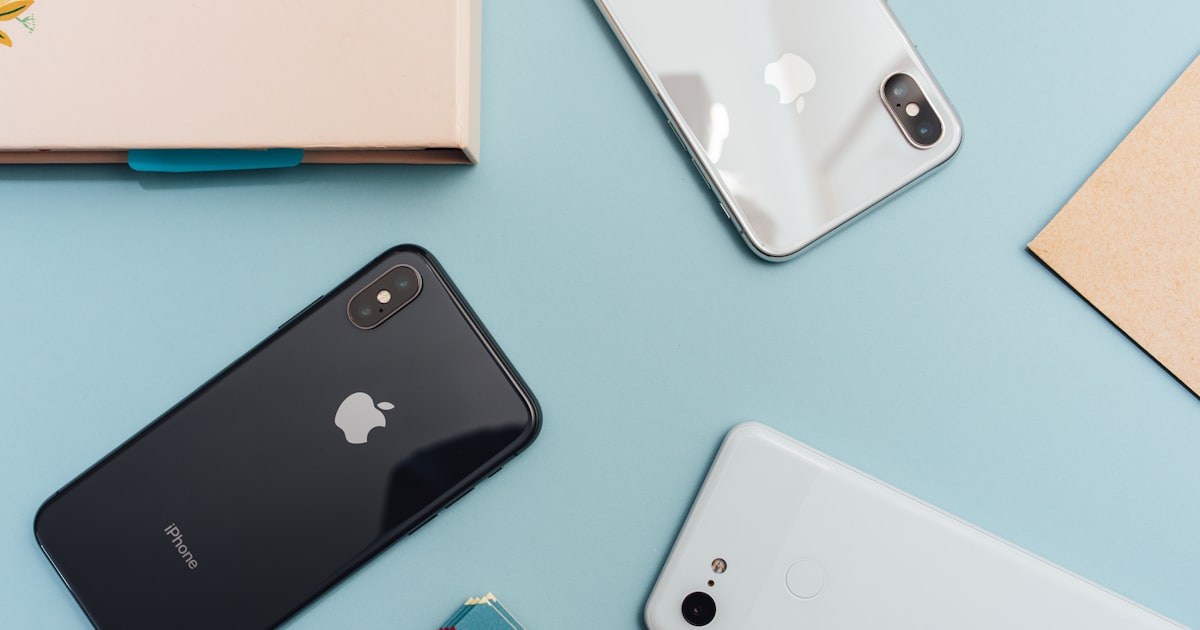
Why a Personal Safety App Belongs on Your Phone
Your phone is already your camera, your wallet, your map, and your communication hub. It should also be your safety tool. Personal safety apps transform your smartphone into an emergency device that can alert your contacts, share your location, and connect you to help faster than a phone call.
But with a growing number of safety apps available, choosing the right one can be confusing. Features vary widely, pricing models differ, and not every app delivers on its promises. This guide breaks down the most important features to look for and compares the leading personal safety apps available in 2026.
What to Look for in a Personal Safety App
Before comparing specific apps, it is important to understand what features actually matter in a real emergency.
Instant SOS Activation
The most critical feature in any safety app is how quickly you can send an alert. In a real emergency, you may have only seconds to act. Fumbling through menus or needing to unlock your phone and navigate to a button is not acceptable. The best apps let you trigger an SOS with a single, simple action such as pressing and holding a button or using a widget from the lock screen.
Real-Time Location Sharing
An SOS alert without your location is incomplete. Your emergency contacts need to know exactly where you are, and that location should update in real time as you move. Look for apps that provide continuous GPS tracking during an active emergency, not just a one-time location ping.
Emergency Contact Management
The app should make it easy to add multiple emergency contacts and reach all of them simultaneously when you trigger an alert. The ability to add unlimited contacts is a significant advantage over apps that cap you at two or three.
Safety Timer
A safety timer, sometimes called a check-in timer, lets you set a countdown before entering a potentially risky situation. If the timer expires without you deactivating it, the app automatically sends an alert to your contacts. This is valuable for situations like meeting someone new, walking home alone, or arriving at an unfamiliar location.
Secure Document Storage
Some apps include a vault or secure storage feature for important documents like IDs, insurance cards, and medical information. Having this information accessible during an emergency can save critical time.
Privacy and Data Security
Your safety app has access to your location and personal information. Make sure the app has a clear privacy policy and does not sell your data. End-to-end encryption and minimal data collection should be standard.
Pricing Transparency
Beware of apps with hidden costs, aggressive upsells, or features locked behind expensive premium tiers. The best apps are upfront about what you get and offer reasonable pricing for the value provided.
Top Personal Safety Apps in 2026
Here is a detailed look at the leading personal safety apps available today, including their strengths, weaknesses, and pricing.
One Tap Alert
Platform: iOS Pricing: Free download, $5.99/month or $24.99/year
One Tap Alert is designed around simplicity and speed. The core feature is its press-and-hold SOS button, which sends an instant alert with your real-time location to all your emergency contacts. There is no complicated setup or multi-step process to trigger help.
Key Features:
- Instant SOS with press-and-hold activation
- Real-time GPS location sharing with emergency contacts
- Safety timer with automatic alert on expiration
- Secure vault for storing documents and personal information
- Unlimited emergency contacts
- Clean, intuitive interface
Strengths: One Tap Alert excels in the one area that matters most: getting help fast. The single-action SOS trigger is genuinely intuitive, and real-time location sharing works reliably. The unlimited contacts feature is a standout, as many competing apps restrict you to a handful of contacts unless you pay for a higher tier. The secure vault adds practical value beyond the SOS function.
Considerations: Currently available only on iOS, so Android users will need to look elsewhere. The app is relatively new compared to some competitors, so it has a smaller user community at this point.
bSafe
Platform: iOS and Android Pricing: Free basic version, premium plans vary
bSafe has been in the personal safety space for several years and offers a solid feature set. It includes an SOS button, location sharing, and a feature that lets you create a fake call to exit uncomfortable situations.
Key Features:
- SOS alarm with location sharing
- Fake call feature
- Location-based check-ins
- Voice activation for hands-free SOS
- Follow-me GPS tracking
Strengths: Cross-platform availability and the fake call feature are practical additions. Voice activation can be useful in situations where touching your phone is not possible.
Considerations: The free version is limited, and some users report that the interface feels dated compared to newer apps. Premium pricing can add up, and some advanced features require a subscription.
Noonlight
Platform: iOS and Android Pricing: Free basic version, premium subscription available
Noonlight connects to professional monitoring services. When you trigger an alert, the app contacts trained dispatchers who can send emergency services to your location. This adds a professional layer between you and 911.
Key Features:
- Hold-and-release SOS trigger
- Professional monitoring and dispatch
- Integration with smart home devices
- Timeline feature for sharing plans with contacts
Strengths: The professional monitoring service is a significant differentiator. If you want someone actively dispatching help rather than relying solely on your personal contacts, Noonlight offers that peace of mind. Smart home integrations are also a nice touch.
Considerations: The professional monitoring aspect means the app functions differently from peer-based alert apps. Response times depend on the monitoring service, and the premium features come at a higher cost. Some users prefer alerting people they know personally rather than a third-party service.
Life360
Platform: iOS and Android Pricing: Free basic version, Gold and Platinum plans available
Life360 is primarily a family location-sharing app that includes safety features. It is widely used by families to keep track of each other's locations throughout the day.
Key Features:
- Real-time family location sharing
- Driving safety reports
- Crash detection
- SOS button
- Place-based alerts when family members arrive or leave locations
Strengths: If your primary concern is knowing where your family members are at all times, Life360 is a comprehensive solution. The driving reports and crash detection are useful for families with teen drivers.
Considerations: Life360 is more of a location-sharing app with safety features than a dedicated safety app. The SOS functionality is not as streamlined as apps built specifically for emergency alerting. Privacy concerns have also been raised about the extensive location data the app collects. Premium plans can be expensive.
Citizen
Platform: iOS and Android Pricing: Free basic version, premium subscription for agent protection
Citizen focuses on real-time safety alerts based on incidents happening near your location. It pulls data from police scanners, emergency services, and user reports to notify you about nearby incidents.
Key Features:
- Real-time incident alerts near your location
- Live video from incident scenes
- Safety agent service for premium users
- Community-driven safety reports
Strengths: The real-time incident map provides excellent situational awareness. Knowing about nearby incidents before you walk into them has clear safety value.
Considerations: Citizen is more of a situational awareness tool than a personal emergency app. The premium safety agent service is expensive, and the app has faced criticism for the anxiety-inducing nature of constant crime notifications. It does not replace a dedicated SOS app for personal emergencies.
Feature Comparison at a Glance
When you line up the key features side by side, the differences between these apps become clearer.
SOS Speed and Simplicity: One Tap Alert and Noonlight lead here with their streamlined single-action triggers. Life360 and bSafe include SOS features but they are part of a broader app experience rather than the central focus.
Location Sharing: All five apps offer some form of location sharing. Life360 provides the most comprehensive continuous tracking for families. One Tap Alert and bSafe focus on emergency-triggered real-time sharing, which is more privacy-friendly for everyday use.
Contact Flexibility: One Tap Alert stands out with unlimited emergency contacts included in the base subscription. Most other apps limit free users to a small number of contacts.
Professional Monitoring: Noonlight is the clear leader if you want professional dispatchers involved. Citizen offers a similar premium service. The other apps rely on your personal contacts.
Privacy: Apps that minimize data collection and focus on emergency-only location sharing tend to be better for privacy-conscious users. Continuous tracking apps like Life360 trade privacy for convenience.
Pricing Value: One Tap Alert offers a competitive price point at $5.99 per month or $24.99 per year with no feature restrictions behind additional tiers. Many competitors gate important features behind premium plans that cost more.
How to Choose the Right App for You
The best safety app depends on your specific needs and priorities.
Choose a Dedicated SOS App If...
You want a fast, reliable way to alert your personal contacts in an emergency. One Tap Alert and bSafe are designed specifically for this purpose, with streamlined interfaces that prioritize speed when seconds matter.
Choose a Professional Monitoring App If...
You want trained dispatchers to coordinate your emergency response. Noonlight is the strongest option in this category and is worth the premium if professional monitoring gives you greater peace of mind.
Choose a Family Tracking App If...
Your primary goal is continuous location sharing among family members, especially with teen drivers. Life360 offers the most comprehensive family tracking features.
Choose a Situational Awareness App If...
You want to stay informed about incidents happening near you in real time. Citizen excels at providing neighborhood-level safety awareness, though it should be paired with a dedicated SOS app for personal emergencies.
Consider Using Two Apps
Many safety-conscious users pair a dedicated SOS app with either a situational awareness app or a family tracking app. For example, using One Tap Alert for emergency alerting alongside Citizen for neighborhood awareness gives you both personal protection and situational intelligence.
Setting Up Your Safety App for Success
Regardless of which app you choose, follow these steps to make sure it works when you need it.
- Complete the setup fully. Add all your emergency contacts, fill in your medical information, and configure all available features. A partially set up app is an unreliable app.
- Test the SOS function. Send a test alert to make sure your contacts receive it and that the location data is accurate. Let them know you are testing so they do not panic.
- Keep the app updated. Safety apps frequently release updates that improve reliability and fix bugs. Enable automatic updates so you always have the latest version.
- Grant necessary permissions. Location access, notification permissions, and background activity must be enabled for the app to function properly. Do not deny these permissions and expect the app to work in an emergency.
- Practice using it. Familiarize yourself with the SOS trigger so that muscle memory takes over in a real emergency. You should be able to activate it without looking at your screen.
The Bottom Line
A personal safety app is not a luxury. It is a practical tool that can make the difference between getting help quickly and struggling to reach someone during a crisis. The best app is the one you have installed, configured, and know how to use before an emergency happens.
If you are looking for a straightforward, reliable SOS app with real-time location sharing and no complicated feature tiers, One Tap Alert is worth trying. Download it for free on iOS, and explore whether the $5.99 monthly or $24.99 annual plan fits your safety needs. Whatever app you choose, the most important step is choosing one today.